✕
“I forgot the e-taxes deadline again”
✓
SmarTax knows all your deadlines from your VÖEN and files your returns itself.
SmarTax keeps your books, prepares and files your returns in e-taxes and reminds you of every payment. All it needs from you: add your documents from your phone once a month.
Three things almost every sole trader complains about, and what SmarTax does about them.
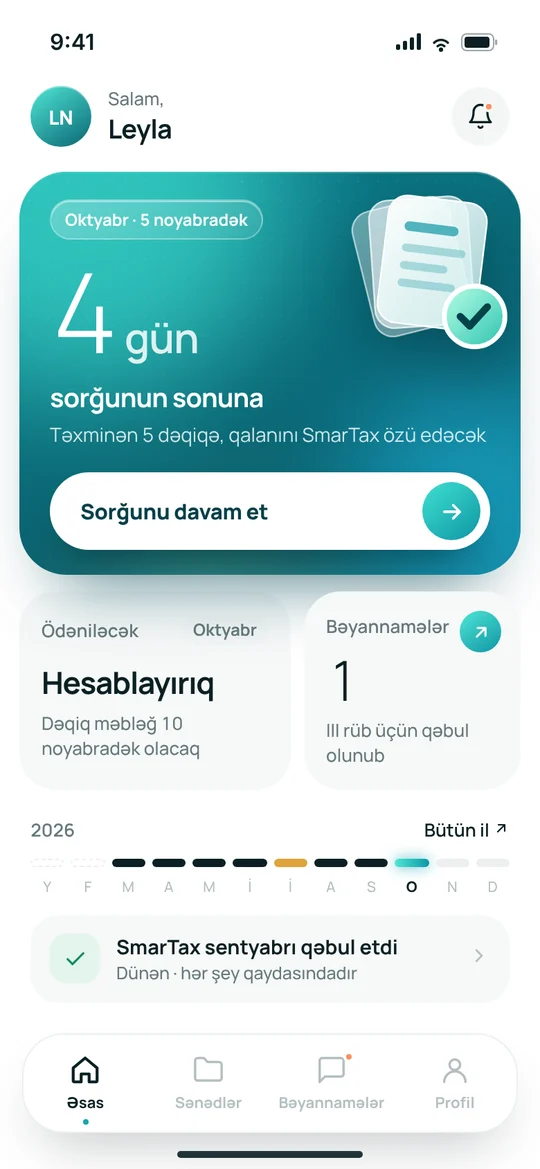
SmarTax knows all your deadlines from your VÖEN and files your returns itself.
All your documents in one app, sorted by month.
The amount and the last day to pay are always on the home screen.
SmarTax finds your name, VAT status, returns and deadlines at the tax office. No forms to fill in.
No paper forms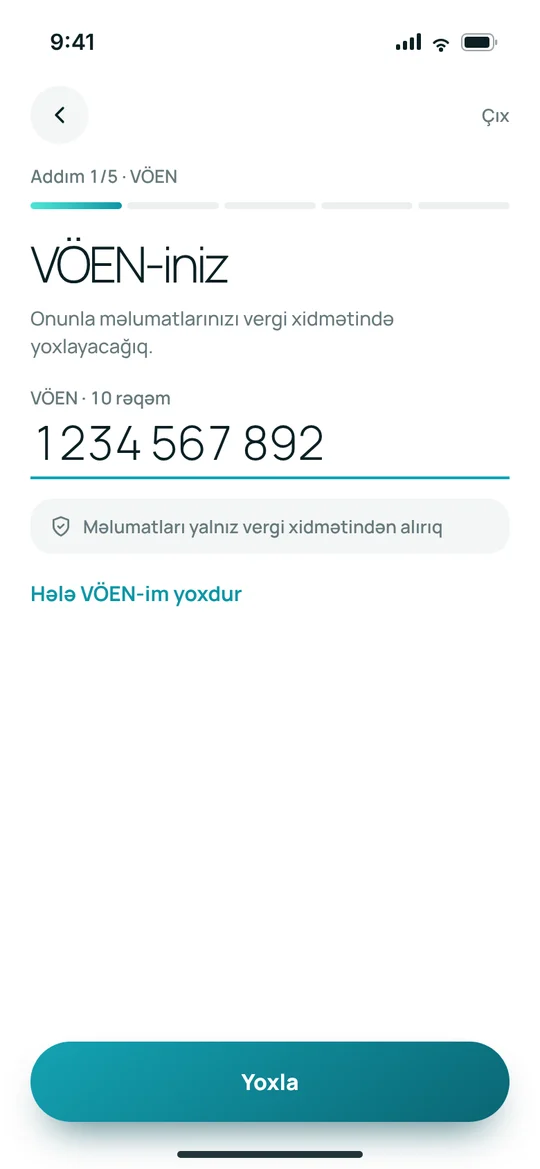
Month, quarter or year. Then confirm SmarTax’s access to e-taxes: the app shows you every step.
Yearly saves 120 ₼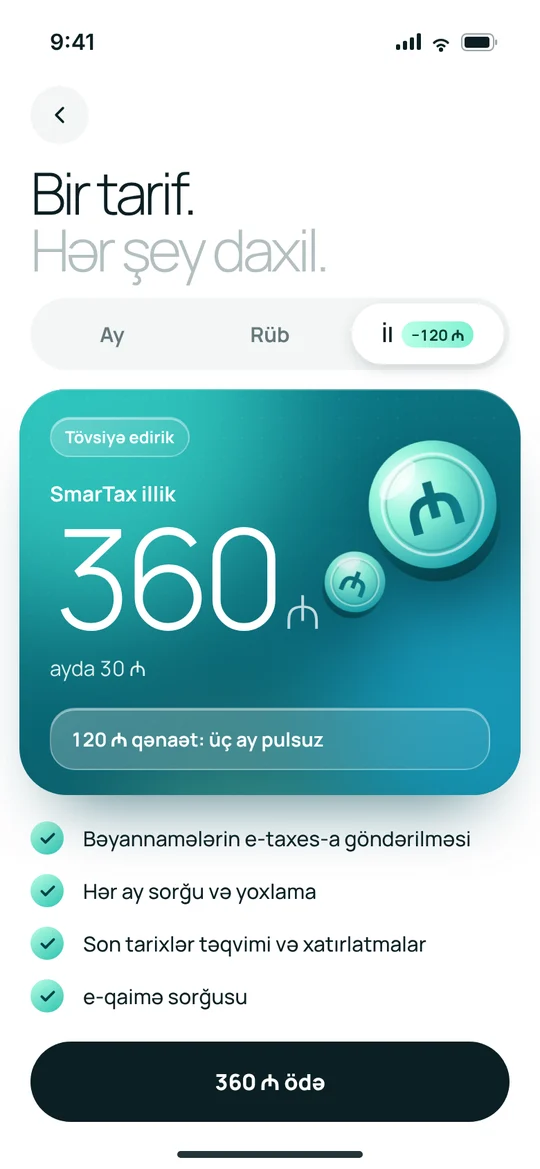
A few simple questions about the month’s work and a bank statement, about 5 minutes. SmarTax does the rest.
About 5 minutes a month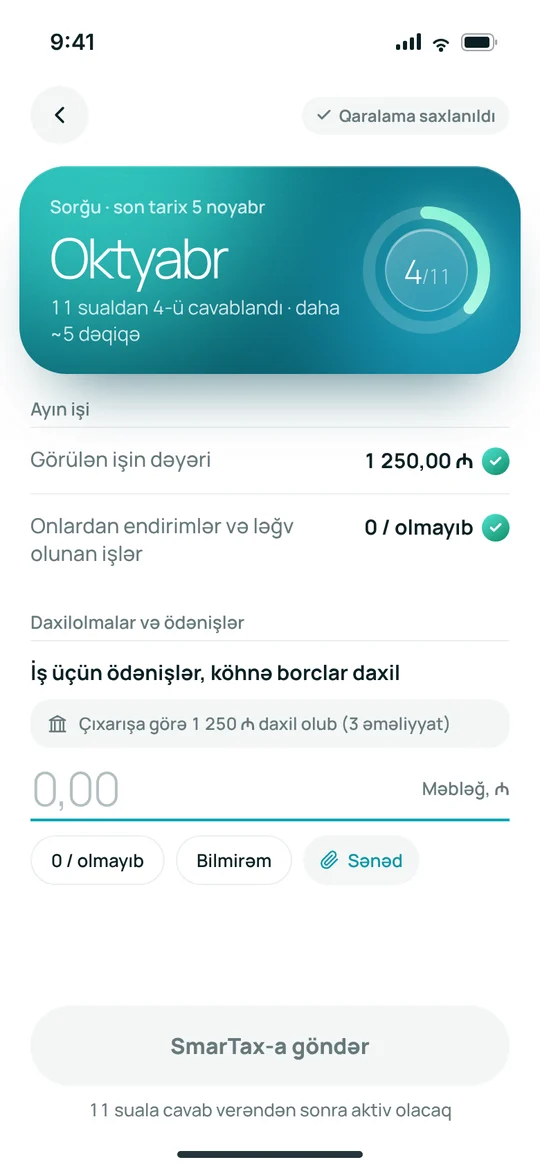
The whole year on one screen: which months are closed, which returns were accepted and what is left to pay.
The whole year on one screen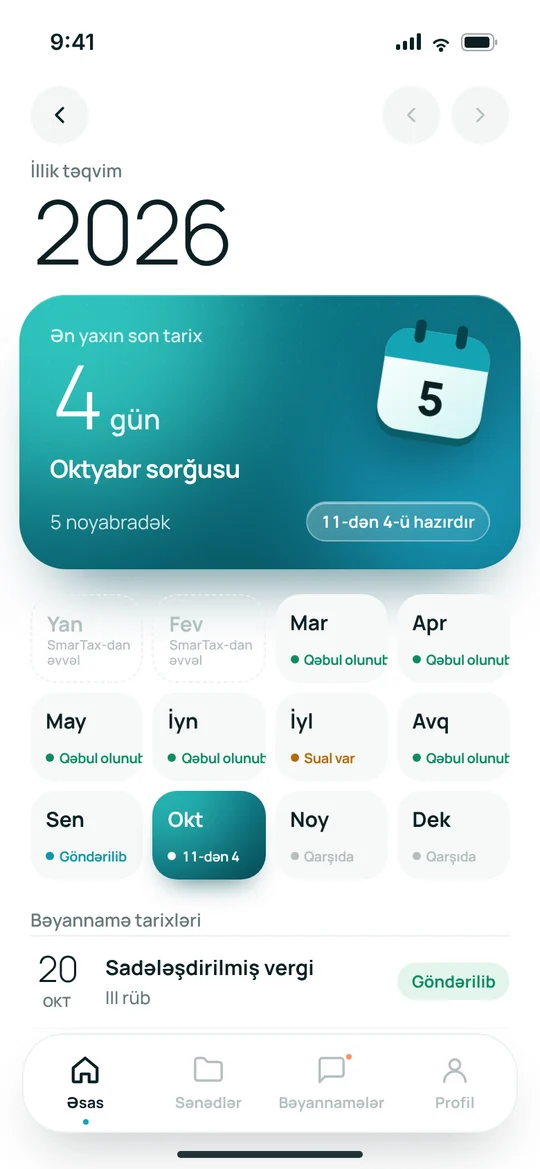
Yellow is what you do. Teal is everything SmarTax does.
SmarTax asks for last month’s documents.
SmarTaxPhotos of receipts and your bank statement, straight from your phone.
YouSmarTax checks the documents and tells you in the app if anything is missing.
SmarTaxSmarTax prepares the return and files it in e-taxes.
SmarTaxYou see how much to pay and by when, and you get a reminder.
SmarTaxNo spreadsheets, folders or phone calls. Open your phone and it’s all there.
Ahead of every deadline and every payment.
Which months are closed and which still need documents.
Filed, accepted or waiting for data.
Need to issue an e-invoice to a buyer? Send the request from the app and follow its status.
| On your own | With SmarTax | |
|---|---|---|
| Deadlines | Track them yourself | Reminded in advance |
| Returns | Figure out e-taxes | SmarTax prepares and files |
| Documents | Spread across messengers and folders | In one place, by month |
| Return status | Check e-taxes yourself | Shown in the app |
| Amount to pay | Work it out yourself | Always on the home screen |
The price for all of SmarTax’s work. You pay the taxes themselves to the state.
You pay in the app after signing up with your VÖEN.
Sole traders without VAT on the simplified tax or income tax. When you register with your VÖEN, the app checks whether SmarTax fits you.
Once: to confirm access for SmarTax. The app shows you how.
Bank statements and documents for sales and purchases. The app tells you what you need.
Right in the app after signing up with your VÖEN: monthly, quarterly or yearly.
How we process and store data is described in the privacy policy.
In the app: Profile → Delete account. Every option is on the account deletion page.
SmarTax is coming to the App Store and Google Play. Have a question, or want to hear about the launch first? Write to us.